

Honeycomb Case for Raspberry Pi
Designed for High-Heat Environments and Long-Term Operation
Enables the construction of a highly efficient cooling system.
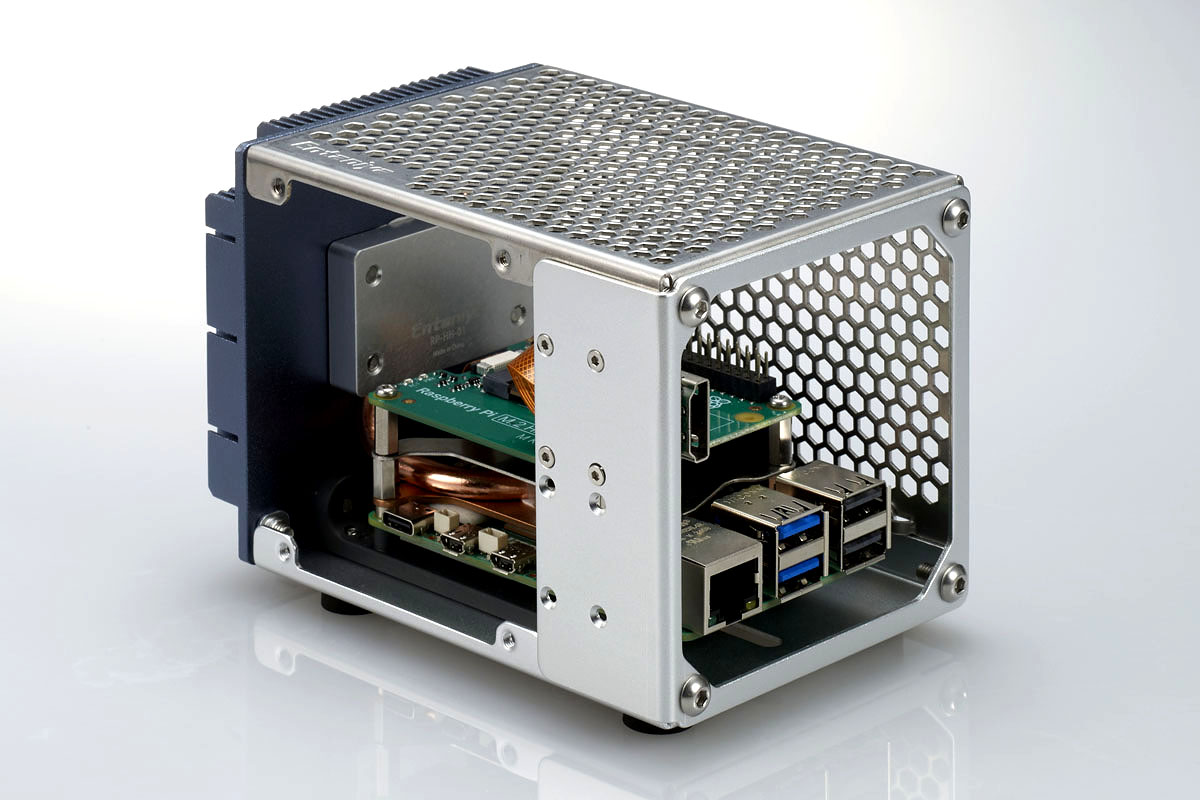
Do you have any of these issues?
50Does heat build up when the device is enclosed in a case?
Do you want to avoid using a fan (due to noise or power requirements)?
Is using the system in an open state a concern?
Is long-term operation difficult?
Solve it with a honeycomb structure
Efficient heat dissipation with a high-ventilation design
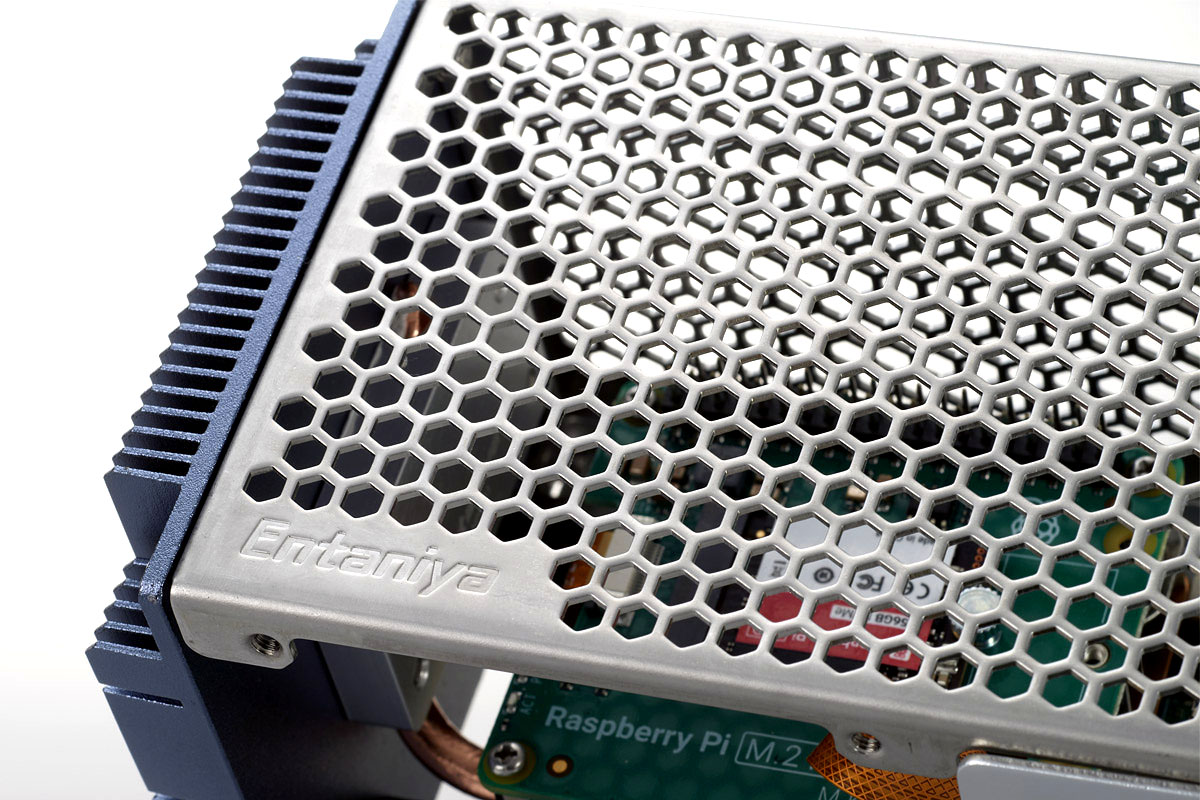
The honeycomb structure ensures airflow while protecting the internal components.
Passive heat dissipation
Silent operation
Stable long-term performance
| Honeycomb Case | Conventional Case |
| Ventilated → Dissipates heat | Enclosed → Heat builds up |
The ultimate cooling solution
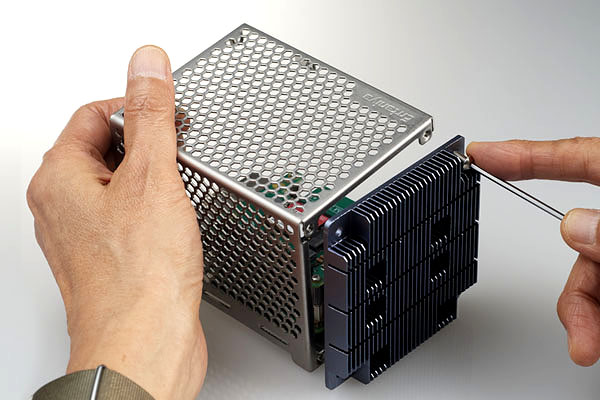
Ensures stable operation even in high-heat environments when combined with a heat pipe.
Heat pipe sold separately.
Key Applications
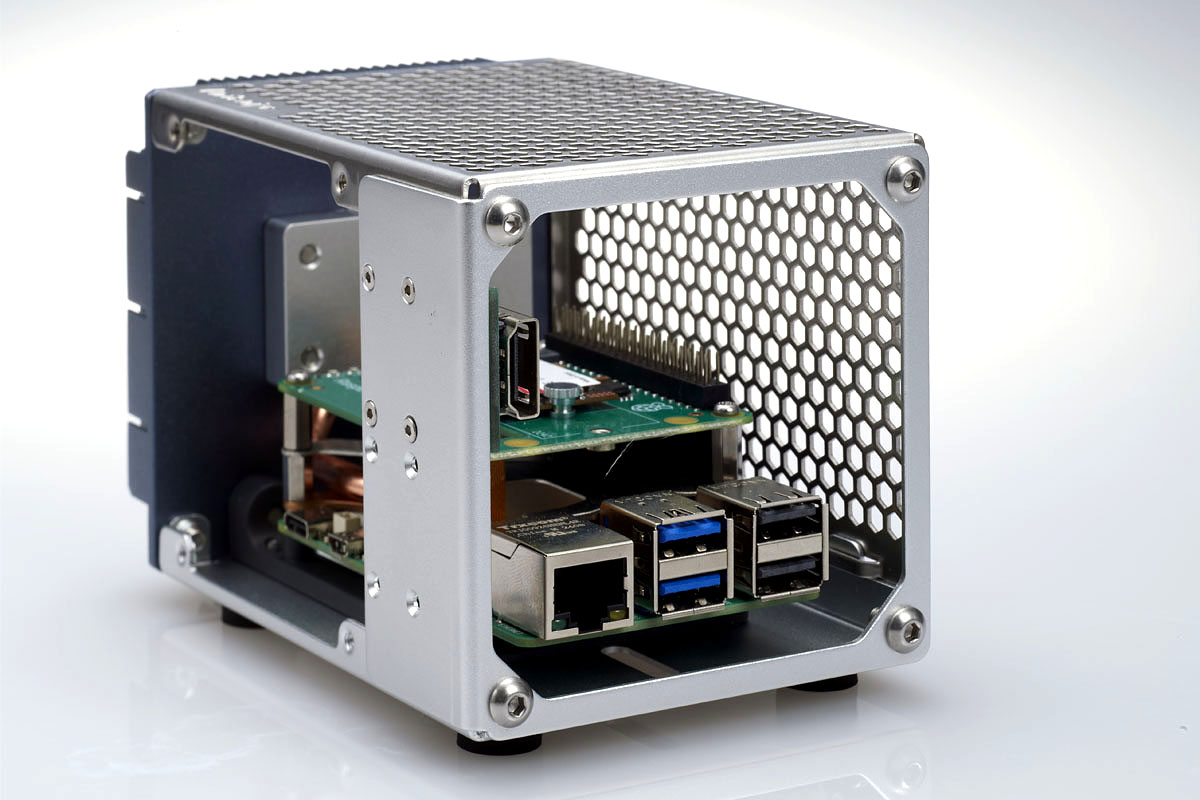
Continuous operation systems
Edge devices
Industrial applications
Development and testing use
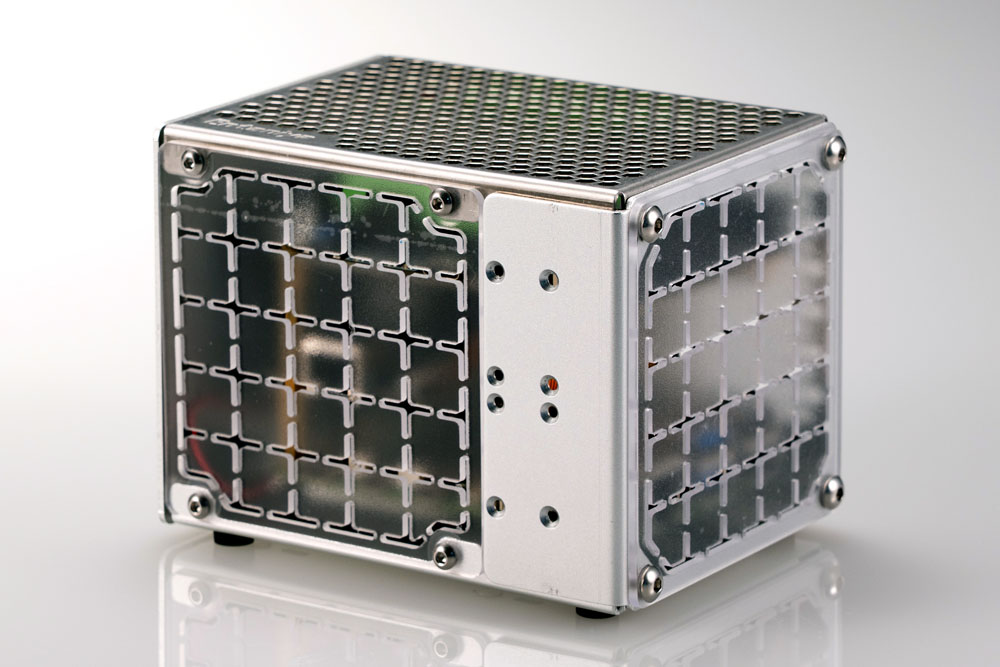
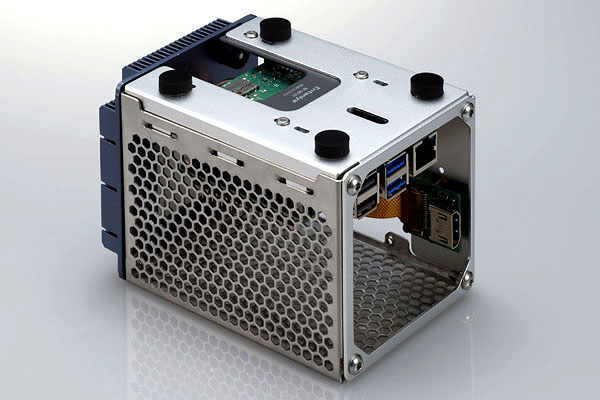
While the Raspberry Pi incorporates heat pipes and cooling fans, it can also house boards for further expansion together. Of course, ports such as USB, Ethernet, and HDMI are also accessible.
Honeycomb section: Stainless steel
Frame section: Aluminum
Product Number: RP-HE
| Product Name | Honeycomb Case for Raspberry Pi |
| Material | Honeycomb Section: Stainless Steel Frame Section: Aluminum |
| Product Number | RP-HE |
Request a Quote / Contact Us
f you would like a quotation based on product pricing or order quantity, please contact us here.
We will propose the optimal configuration tailored to your specific application and requirements.
For technical inquiries—such as specifications, installation methods, or compatibility with supported devices—please feel free to reach out as well.
Our specialists will support you from pre-deployment planning through to operational use.
Optional parts
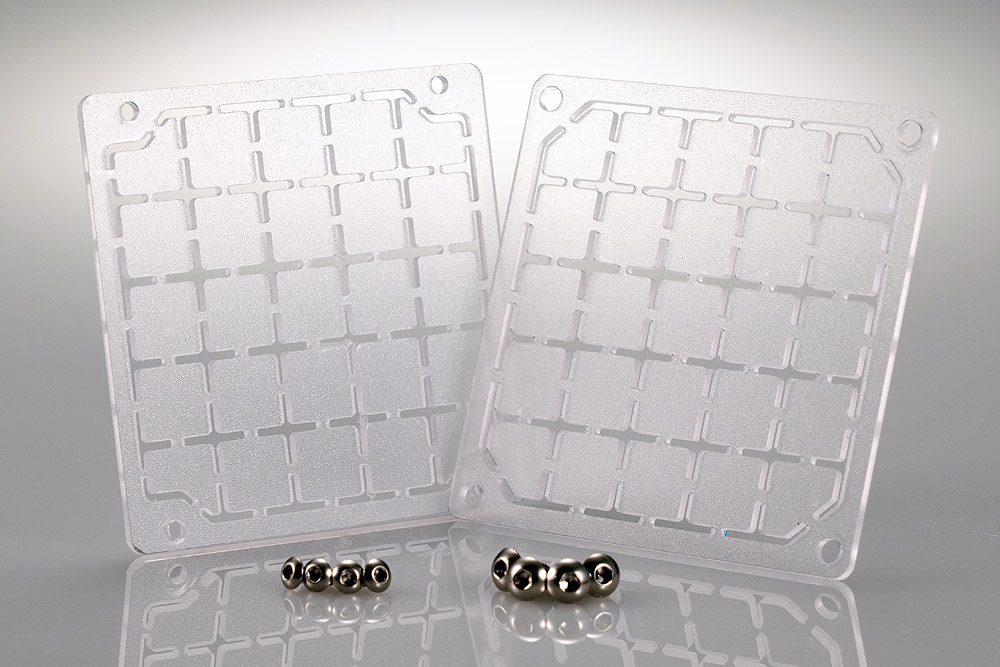
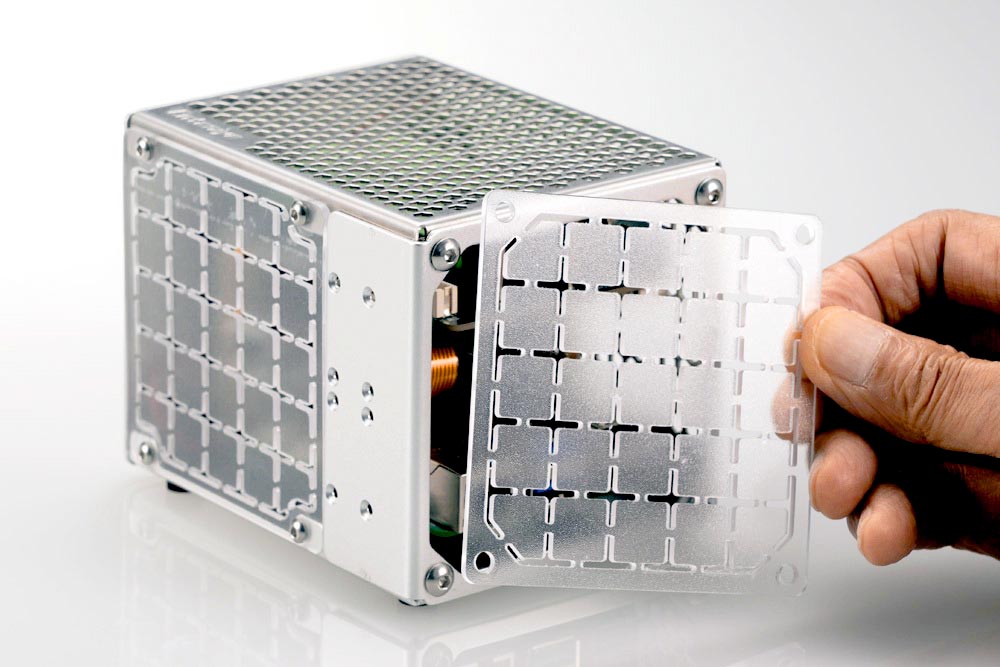
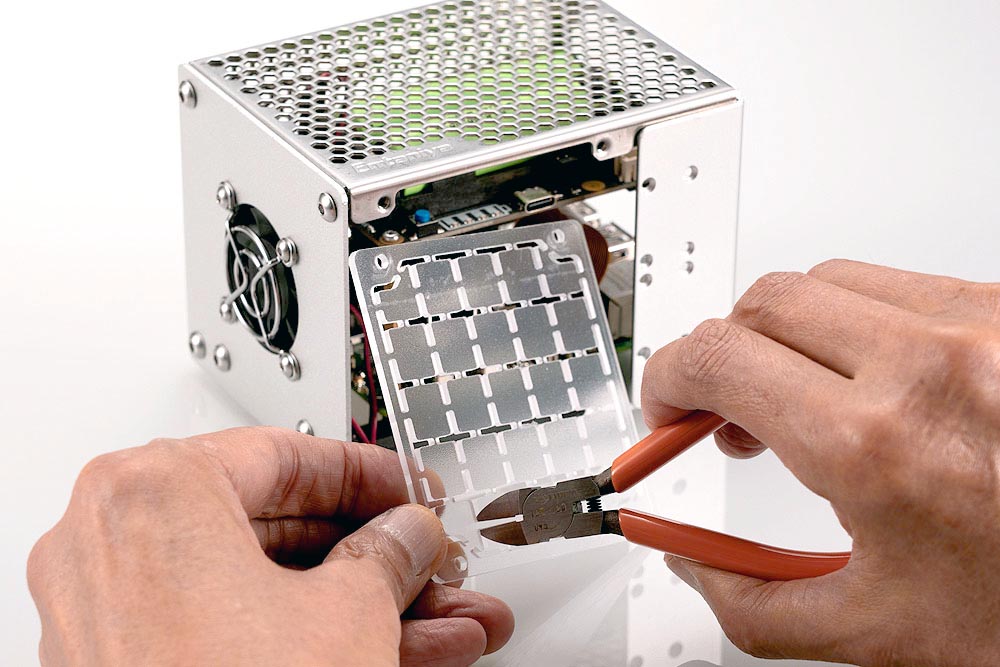
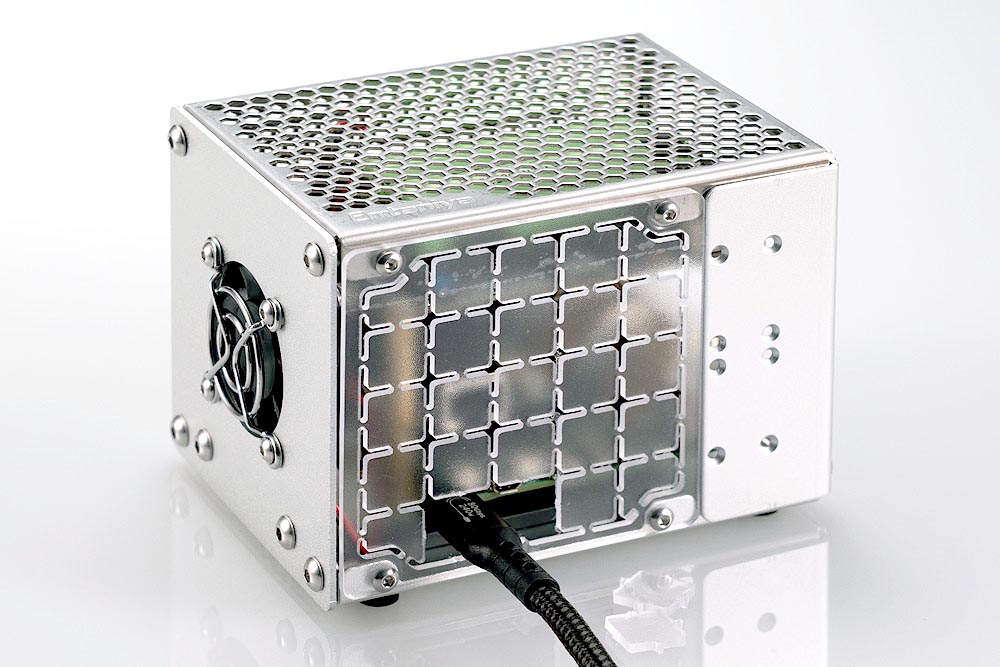
Side Panel (Grid Board)
Customizable Side Panel
A customizable side panel that can be opened only where needed.
Designed specifically for Honeycomb Cases, this side panel features a grid structure that allows users to easily cut openings with side cutters at only the locations required for port access or cable routing.
It provides protection for the interior of the case while enabling flexible expansion and customization to suit a wide range of configurations and applications.
4.3-inc Display and Frame
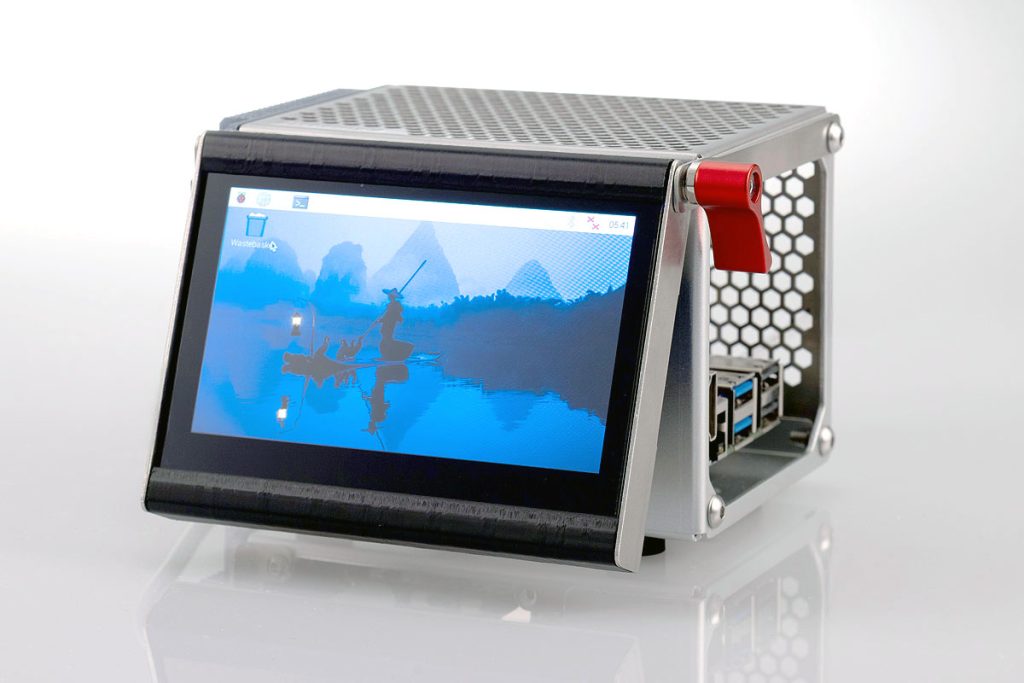
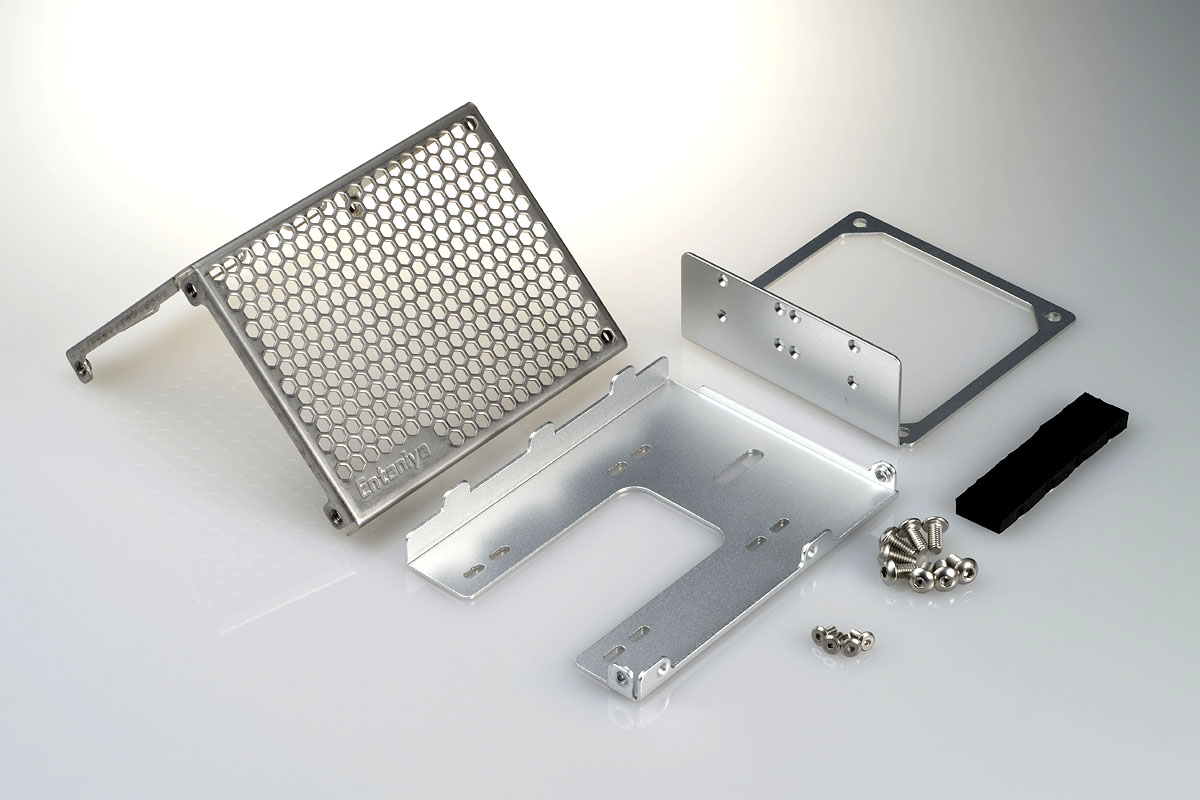
A frame that allows a display to be mounted onto the honeycomb case.
It features an adjustable angle mechanism to ensure good visibility.
| Product Name | Display Frame for Honeycomb Case |
| Product Number | HE-DF-WS43 |
For DIN rail mounting
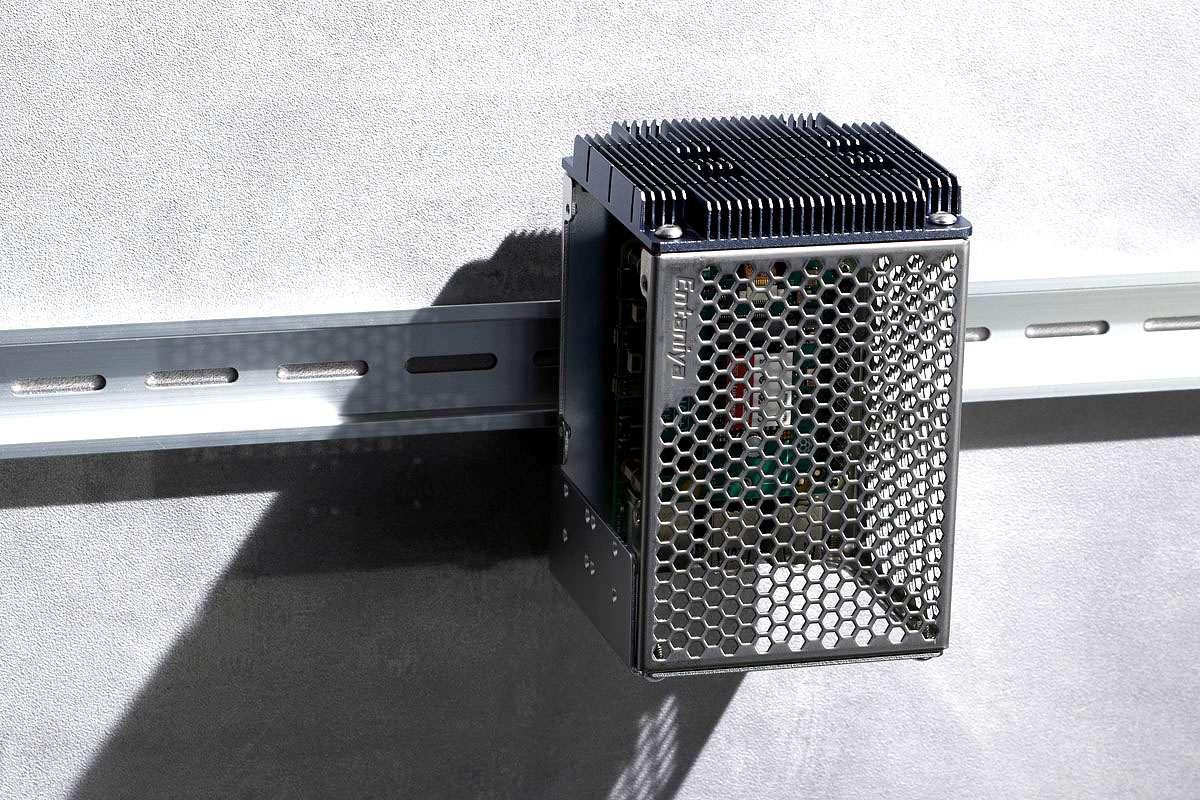
A component that allows installation on a DIN rail by attaching a DIN rail bracket to the back of the case.
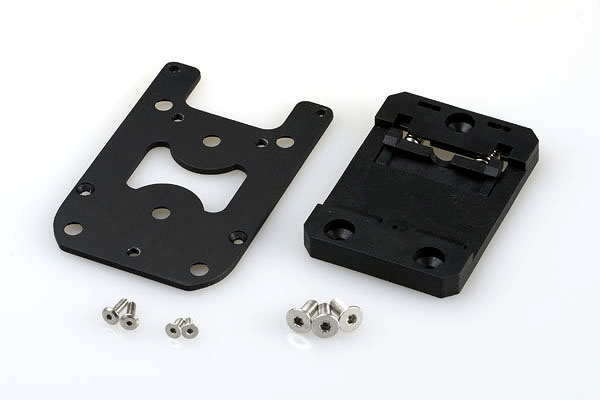
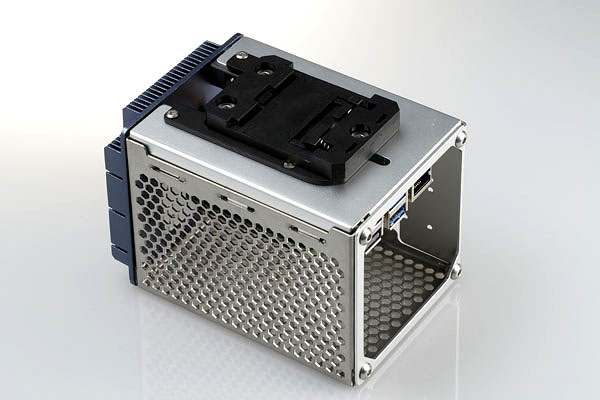
| Product Name | DIN Rail Mounting Parts for Honeycomb Case |
| Product Number | DIN-HE |
Magnet
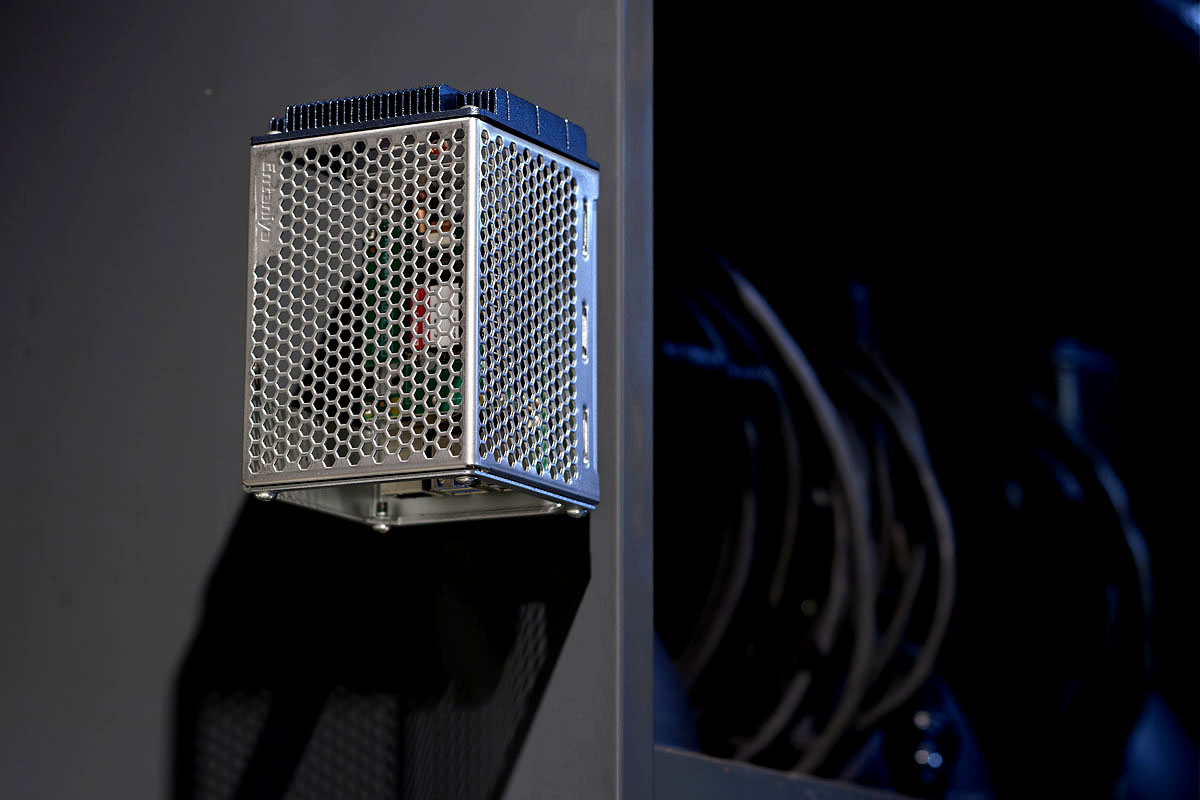
Using magnets, it can be fixed directly to steel control panel cases, etc., and can be attached, detached, and moved freely from place to place.
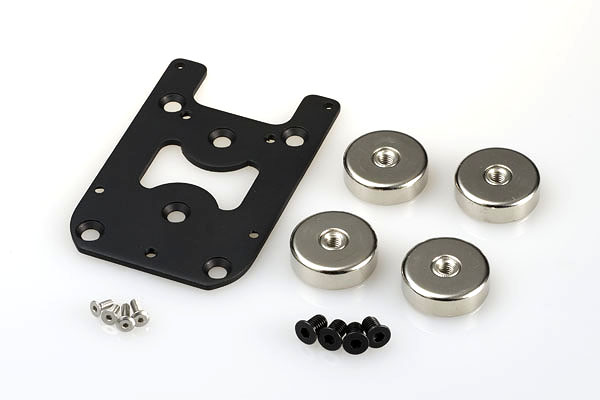
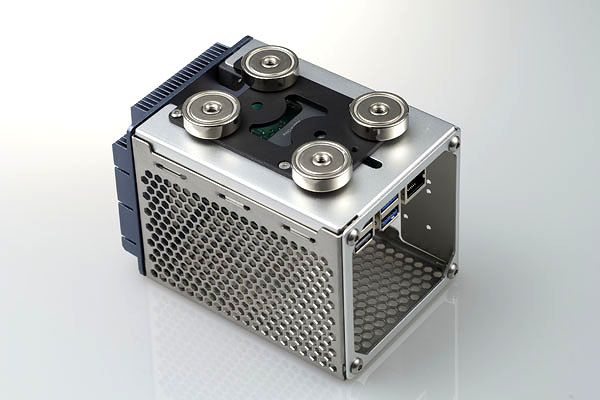
| Product Name | Magnet for Honeycomb Case |
| Product Nmber | MAM-HE |
Cooling Fan for Honeycomb Enclosure
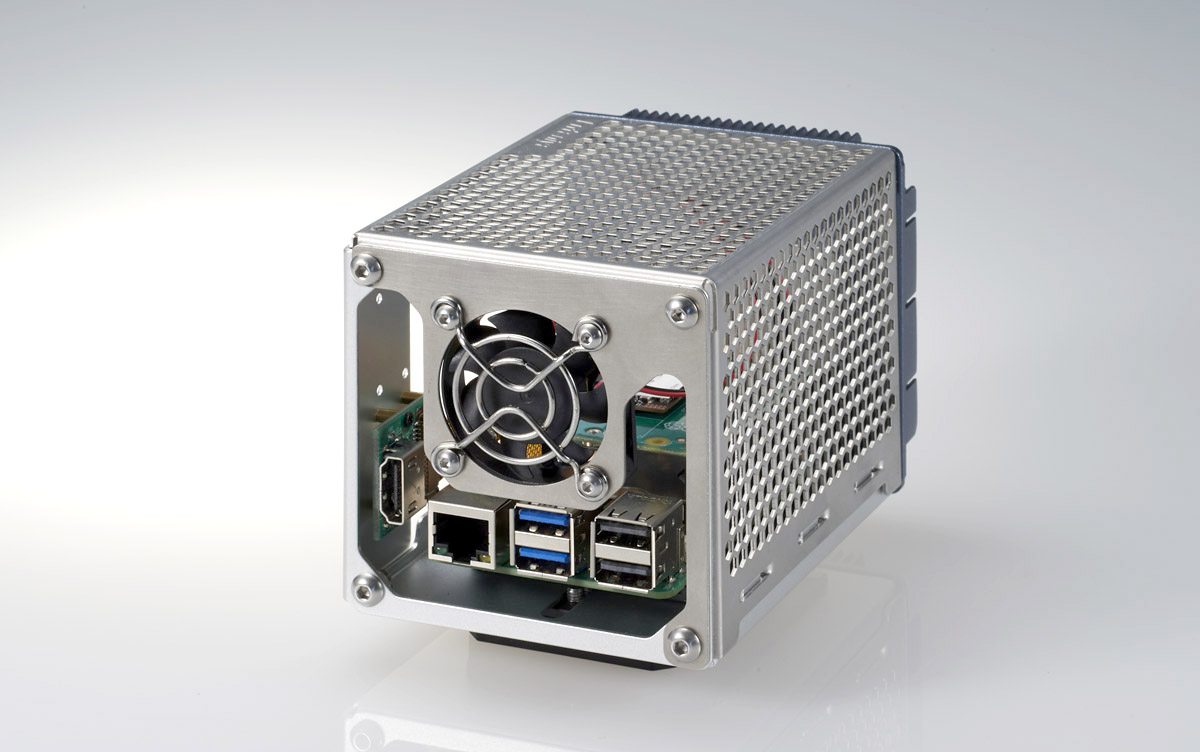
This cooling fan can be attached to a honeycomb enclosure.
| Product Name | Cooling Fan for Honeycomb Case |
| Product Number | FAN-HE |
Which Should You Choose?
High load, long-term operation, and silent use → Heat pipe set
Simple use → Case only
Control panels / equipment installation → DIN rail + case
If you’re unsure, the heat pipe set is recommended.
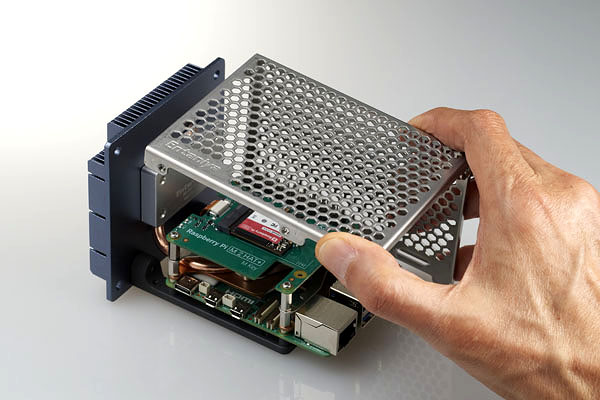
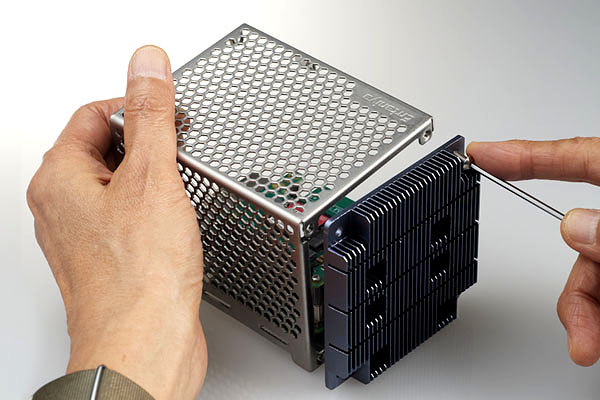
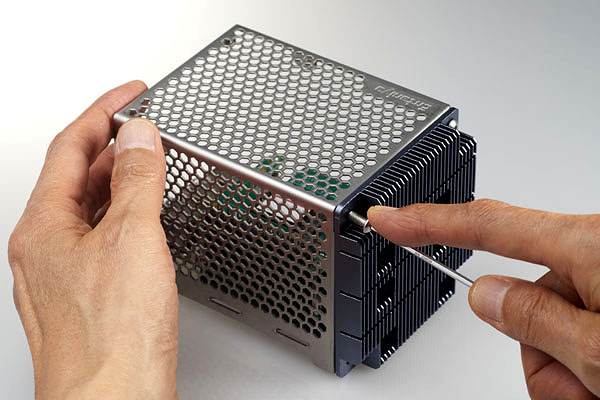
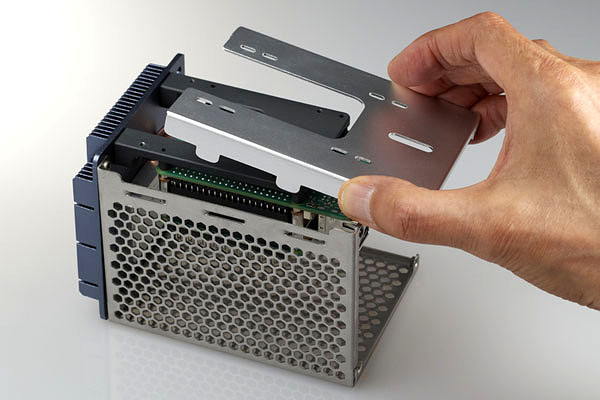
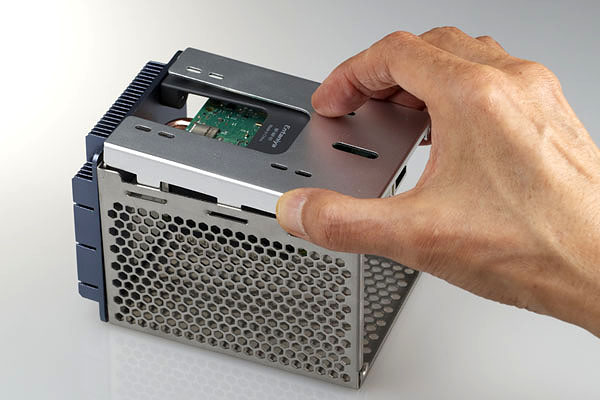
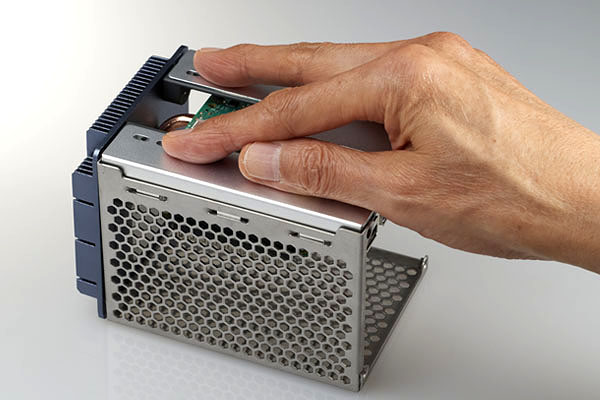
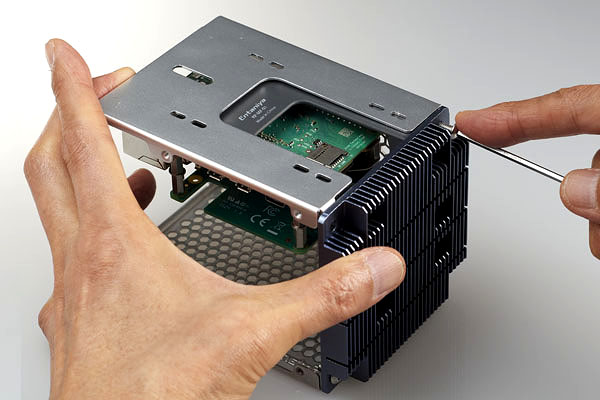
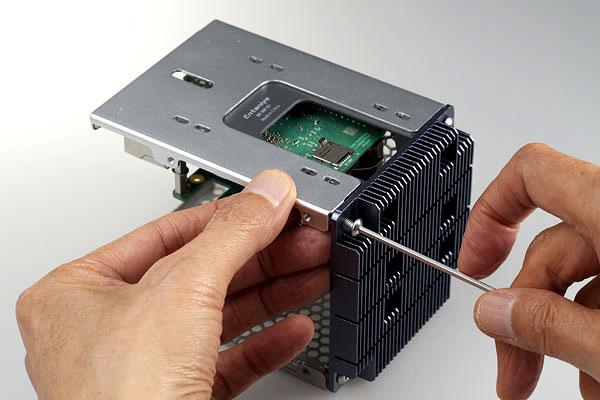
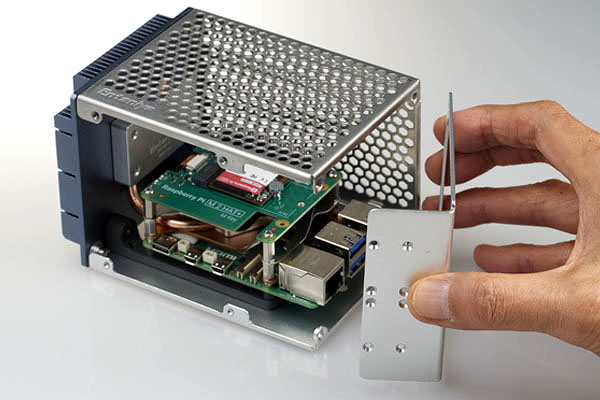
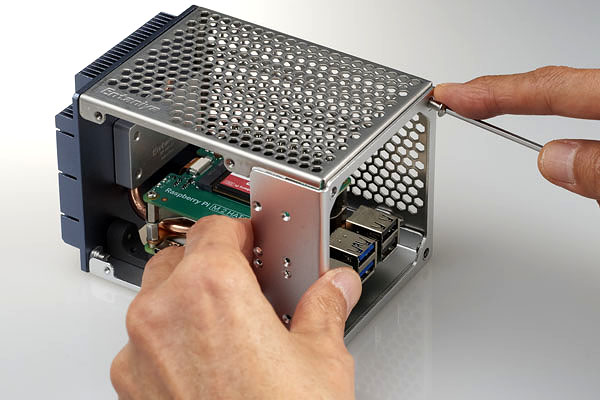
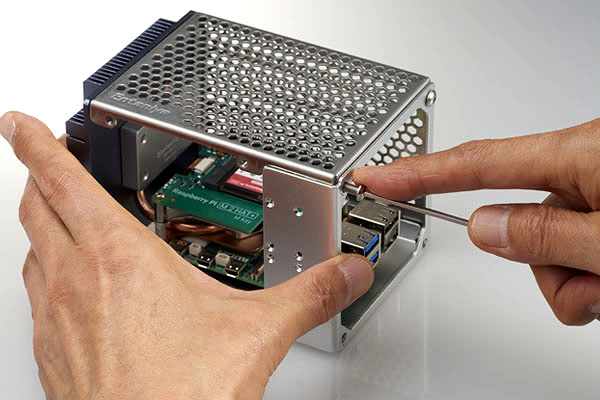
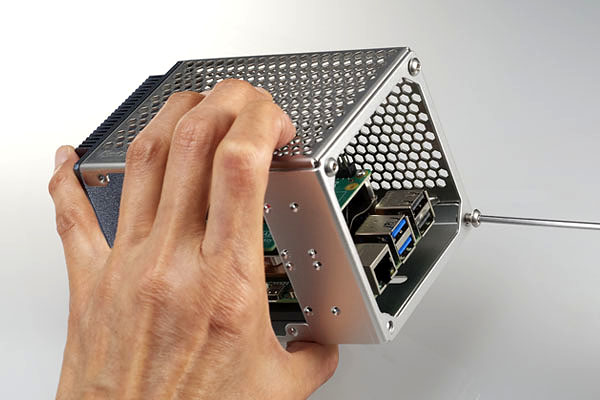
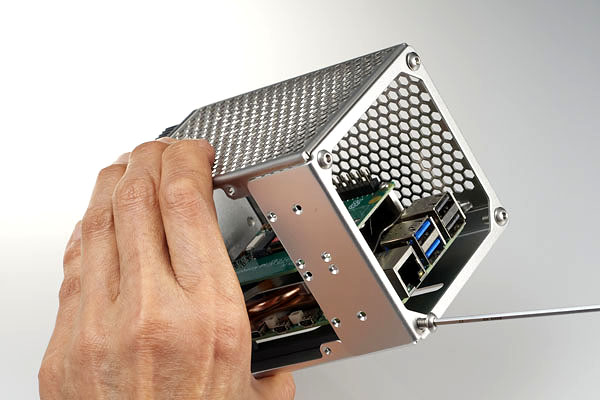
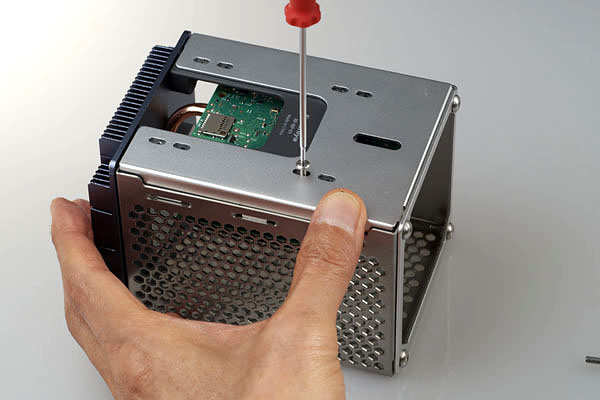
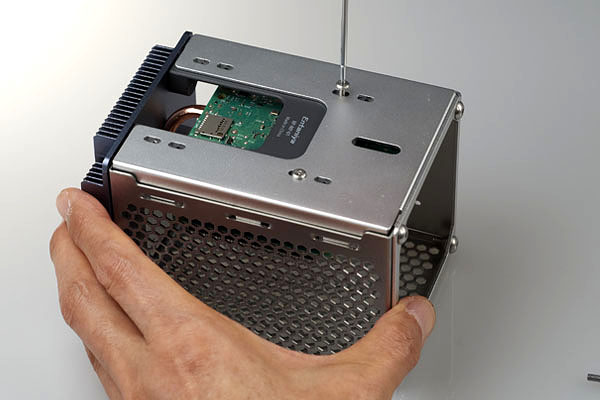
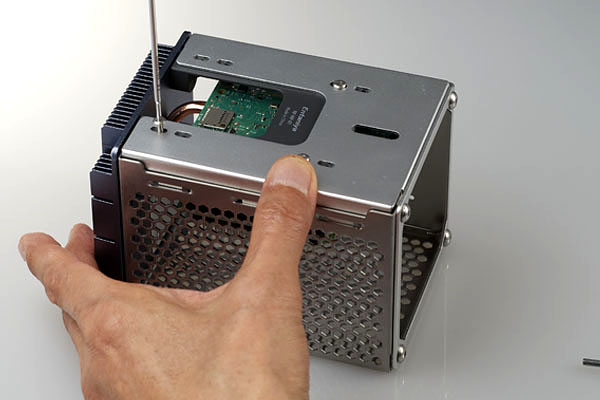
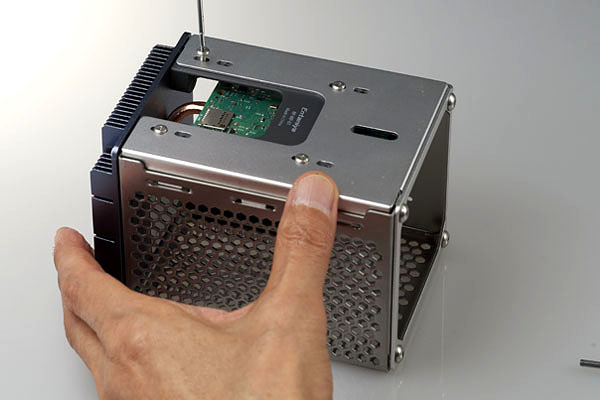
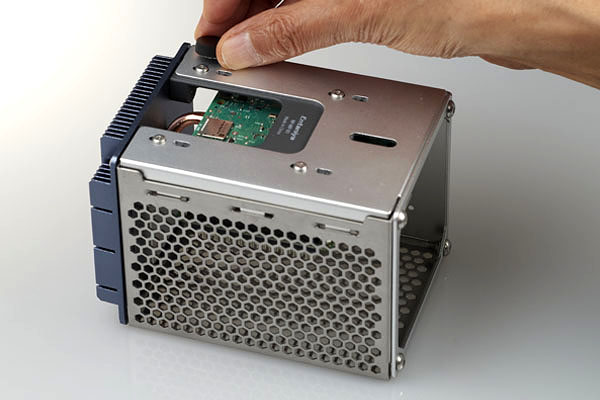
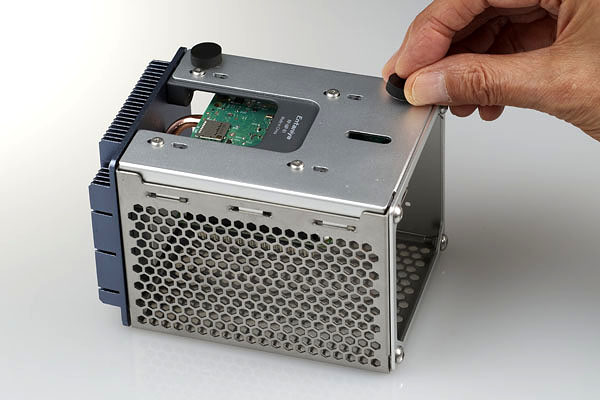
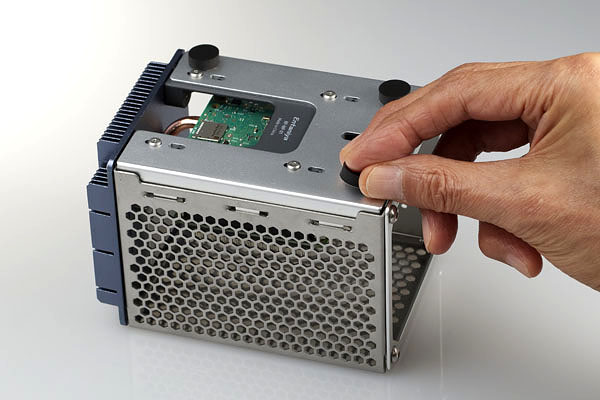
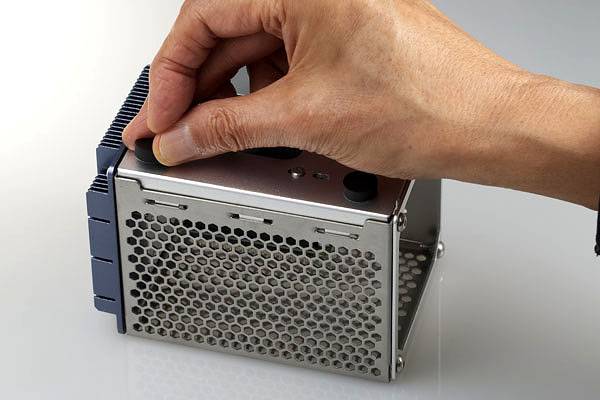
How to assemble
Enclosure
Request a Quote / Contact Us
f you would like a quotation based on product pricing or order quantity, please contact us here.
We will propose the optimal configuration tailored to your specific application and requirements.
For technical inquiries—such as specifications, installation methods, or compatibility with supported devices—please feel free to reach out as well.
Our specialists will support you from pre-deployment planning through to operational use.
Trademarks & Compatibility Notice
All product names, trademarks, and registered trademarks mentioned on this website are the property of their respective owners.
Raspberry Pi is a trademark of Raspberry Pi Ltd.